
Service desk tickets
Log and follow store support requests through their status and assignment.
Keep store support requests and equipment records together. NexOps gives retail IT teams a clearer way to track tickets, assets, ownership and service history.
Illustrative interface and sample figures · not live customer data
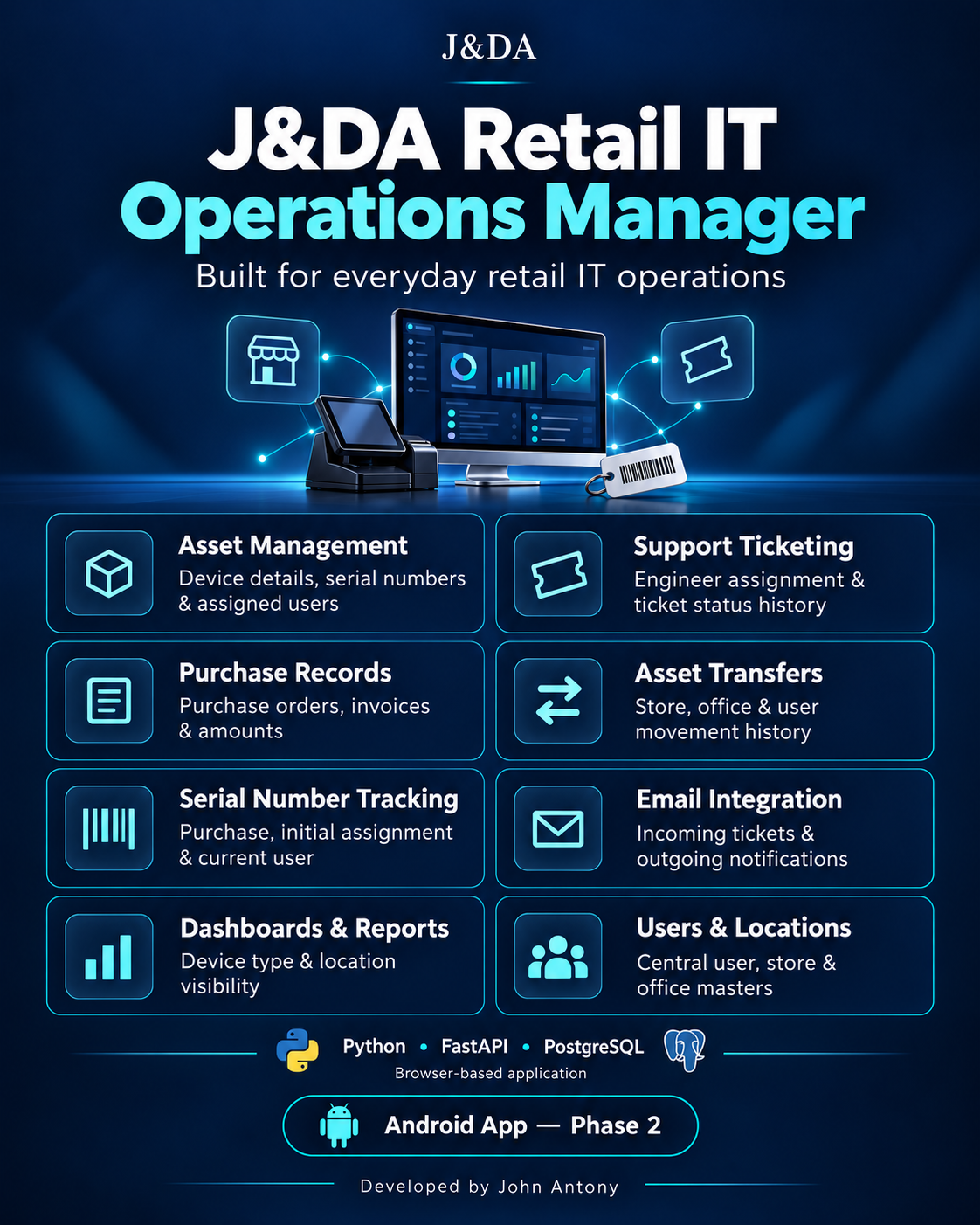
This J&DA product overview shows the main retail IT workflows covered by NexOps.
Give store teams a consistent way to report issues and help IT teams see the related equipment and request history.
Log and follow store support requests through their status and assignment.
Keep equipment details, store location and asset history organized for reference.
Bring requests and equipment details into a workflow shaped around retail locations.
Review updates and outcomes so teams can follow what happened to a request.
NexOps includes tools for service desk, assets, traceability, movement, SLA views and insights.
Discuss your support process and see the relevant NexOps flow with our team.
Tell us how requests come in today, what equipment you track and who needs visibility. We can arrange a focused NexOps walkthrough around those steps.
Explore the available NexOps demo at your own pace. For a fuller admin or asset workflow walkthrough, contact us and we can discuss a session.
Open the NexOps demo ↗NexOps is positioned for retail IT support and asset management. It brings help desk ticket workflows and IT asset records together, with related service and reporting areas.
Yes. The current demo is available at demo.jdanexops.com. Contact us to discuss a guided walkthrough.
Use the discussion form or email jdanexops@gmail.com with your store context and the product areas you want to review.
Tell us about your stores, tickets and asset tracking needs.